Editing a Test Suite
Edit or update a test suite from the Details screen using the in-place editor.
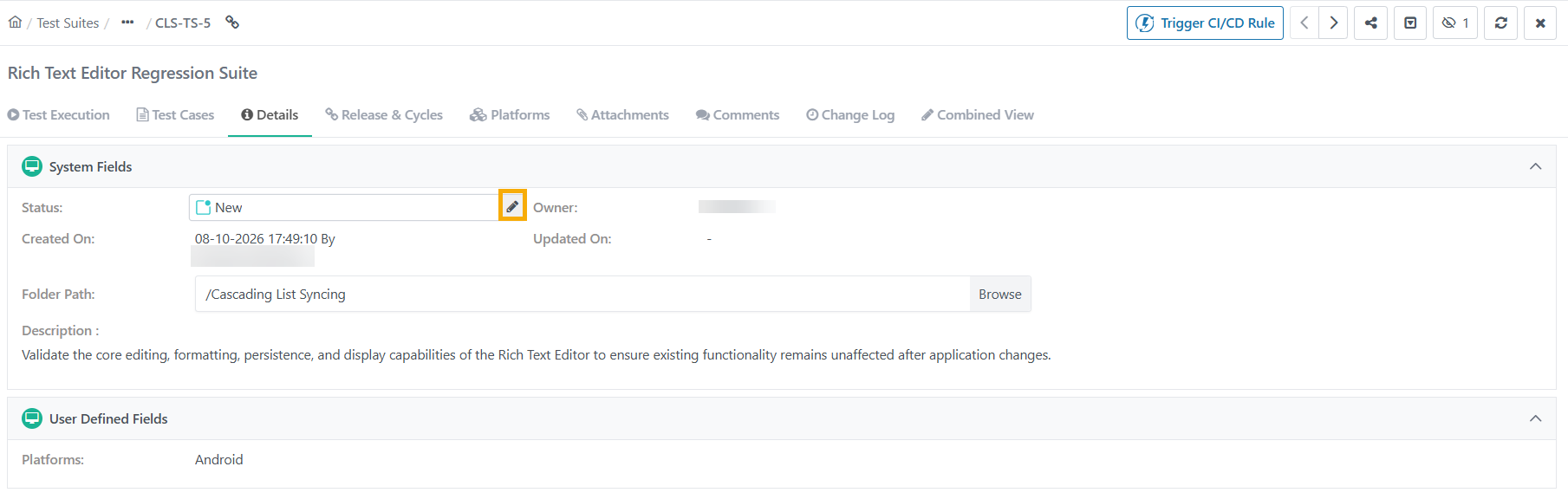 |
To edit a test suite, do the following:
Go to the test suite details screen.
Hover over the values to edit.
Enter the new values and save your changes.
Note
Changing the folder path moves the asset to a different folder.
Editing Associate Releases and Cycles
 |
To associate additional releases and cycles with an existing test suite, do the following:
Note
Click Unassociate to remove an association for the release and cycle combination.
Click Add New.
Select the releases and cycles from the drop-down lists.
Click to apply the new associations.
To view archived releases and cycles, go to filters and select Show Archived.