Install QMetry in JIRA
To integrate QMetry with QMetry Test Management JIRA, JIRA Admin must install the application from JIRA Marketplace and configure the settings to establish the connection.
Prerequisites
You must have a valid QMetry (cloud or server) account.
You must have an JIRA super admin account for performing the installation.
Installing QMetry Test Management in JIRA
The following table outlines the required actions for upgrading or installing the app based on the JIRA edition and current app availability.
JIRA Edition | JIRA App Availability | Upgrading JIRA App |
|---|---|---|
Cloud | Already Installed | Automatic Upgrade. Configuration Required |
Cloud | Not Installed | Installation and Configuration Required |
Data Center | Already Installed | Upgrade and Configuration Required |
Data Center | Not Installed | Installation and Configuration Required |
To install QMetry extension in JIRA, perform the following steps:
Visit Atlassian Marketplace.
Sign in to JIRA using administrator credentials. Admin access is required to install the extension from the JIRA Marketplace.
Search for QMetry Test Management.
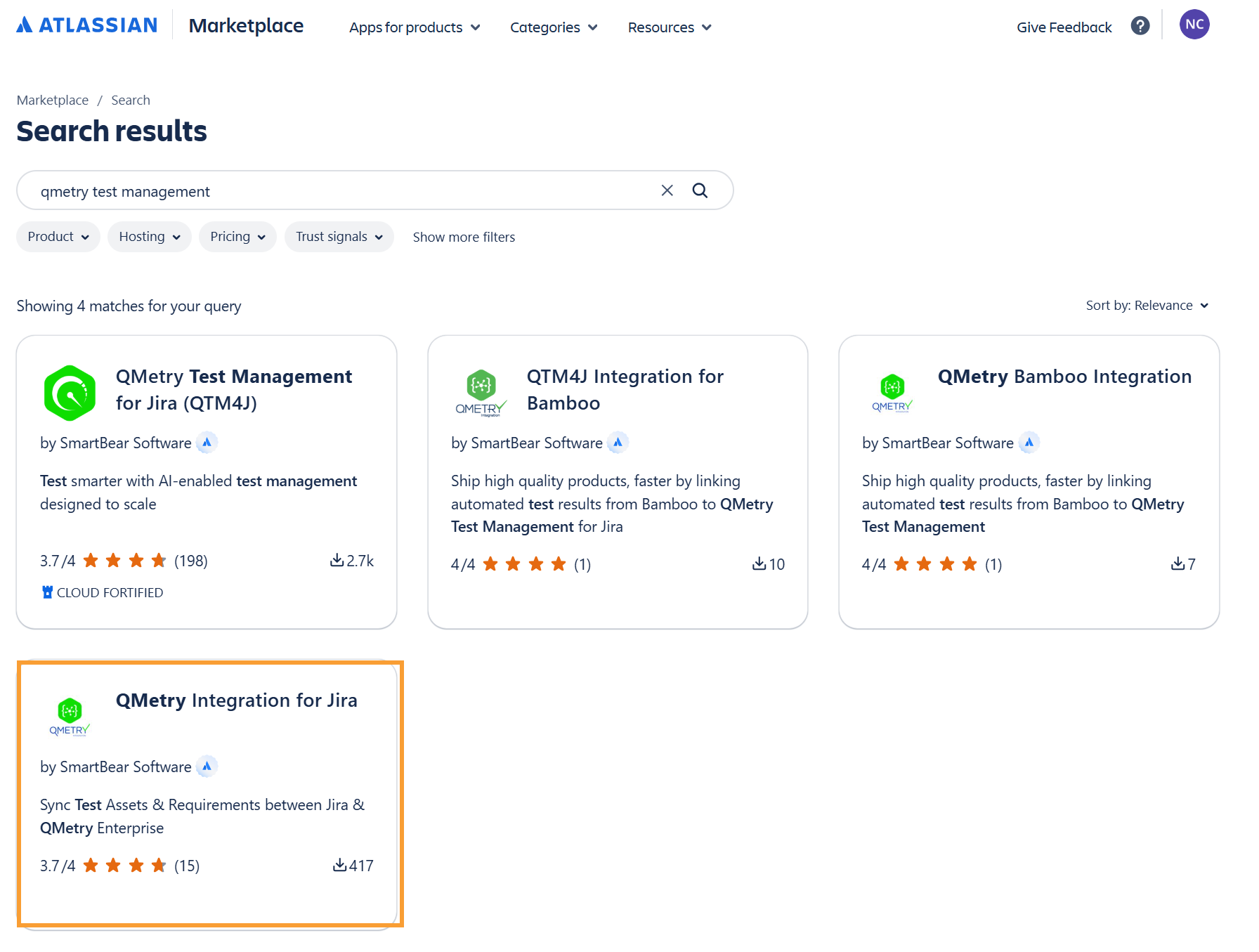
Click QMetry Integration for JIRA.
Select Get App.
Select Get It Now.
Select a site and click Request App.
Note
For JIRA Data Center v10.x, the QMetry Integration for JIRAv2.4.6_jira10.
For JIRA Data Center v11.x, the QMetry JIRA Integration App v2.4.6.
QMetry Integration for JIRA v2.4.6 adds support for JIRA Data Center v11.3.12.
If you are using a Cloud JIRA or Server JIRA and integrating with QMetry Cloud instance then the JIRA instance should be accessible to QMetry instance.
Support Matrix of QMetry and JIRA Instances
The following support matrix outlines the supported QMetry and JIRA environments.
QMetry | JIRA | Integration Supported | Multiple QMetry Instances Supported |
|---|---|---|---|
On Premise | Data Center | Yes | Yes |
On Premise | Cloud | No | No |
Cloud | Data Center | Yes | No |
Cloud | Cloud | Yes | No |
Note
To connect one JIRA instance to multiple QMetry instances, install QMetry Integration for JIRA only once on the JIRA instance. The same installation connects to every QMetry instance. For more information, see About Multiple QMetry Instances.